
Smartworks Mobile App2.8.37 - App Store
You'll be able to see results in few seconds.
Publisher Description
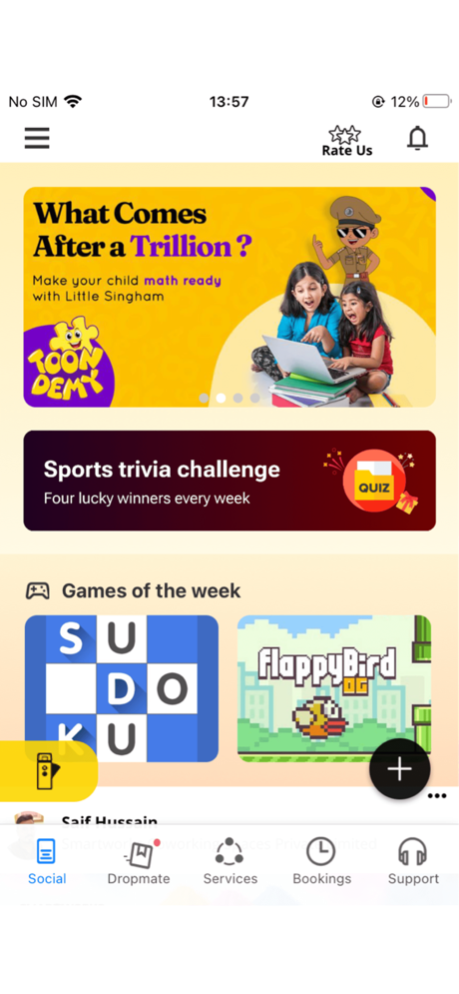
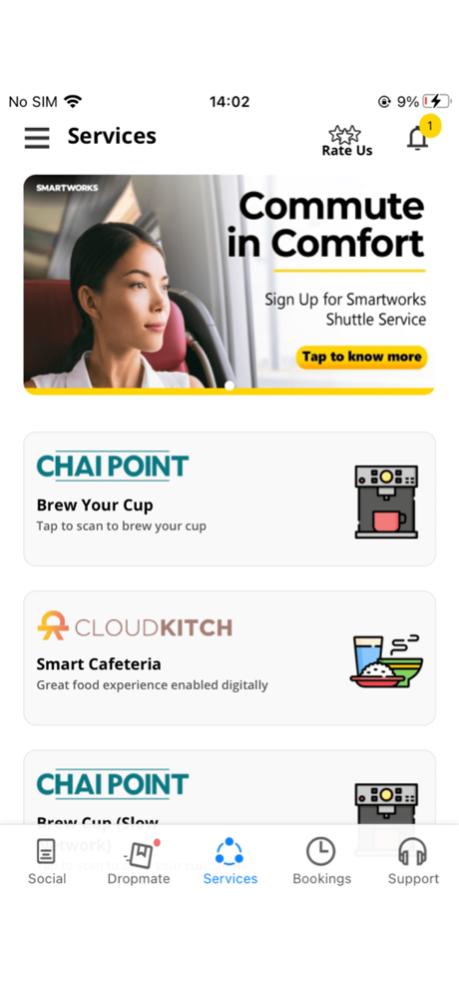
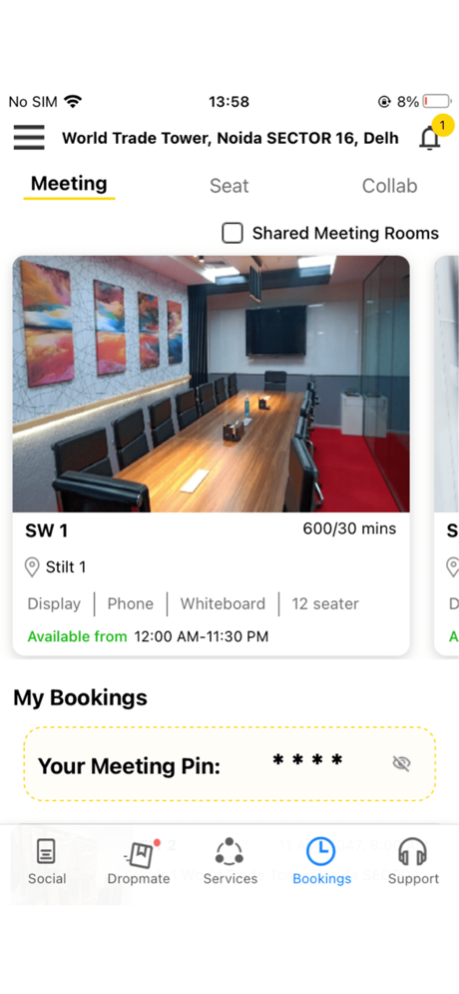
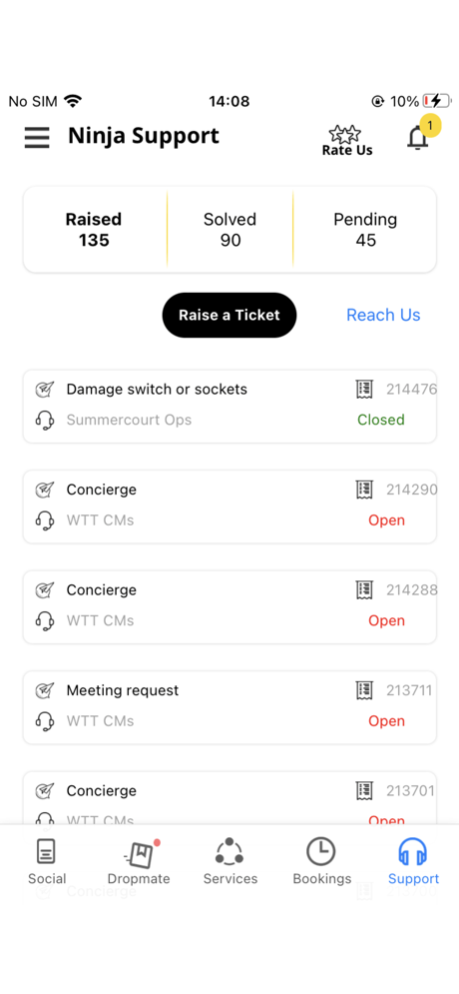
The Smartworks mobile app is designed to offer a seamless and enhanced office and member experience for Smartworks members. As India's largest flexible office space provider for enterprises, Smartworks is committed to providing a comprehensive workspace solution that caters to the evolving needs of businesses and professionals.
With the Smartworks mobile app, you can stay updated about your workspace, book conference rooms, and browse all upcoming events. You can also check out new partnerships and available offers to make the most of your workspace. The app also enables you to discuss ideas and share experiences with other members of the Smartworks community.
The app is exclusively available to Smartworks members, ensuring that you have access to a secure and private workspace environment.
Oct 3, 2024
Version 2.8.37
Support section enhanced
About Smartworks Mobile App
The company that develops Smartworks Mobile App is Smartworks Tech Solutions Private Limited. The latest version released by its developer is 2.8.37.
To install Smartworks Mobile App on your iOS device, just click the green Continue To App button above to start the installation process. The app is listed on our website since 2024-10-03 and was downloaded 0 times. We have already checked if the download link is safe, however for your own protection we recommend that you scan the downloaded app with your antivirus. Your antivirus may detect the Smartworks Mobile App as malware if the download link is broken.
How to install Smartworks Mobile App on your iOS device:
- Click on the Continue To App button on our website. This will redirect you to the App Store.
- Once the Smartworks Mobile App is shown in the iTunes listing of your iOS device, you can start its download and installation. Tap on the GET button to the right of the app to start downloading it.
- If you are not logged-in the iOS appstore app, you'll be prompted for your your Apple ID and/or password.
- After Smartworks Mobile App is downloaded, you'll see an INSTALL button to the right. Tap on it to start the actual installation of the iOS app.
- Once installation is finished you can tap on the OPEN button to start it. Its icon will also be added to your device home screen.
Program Details
System requirements
Download information
Pricing
Version History
version 2.8.37
posted on 2024-10-03
Oct 3, 2024
Version 2.8.37
Support section enhanced
version 2.8.36
posted on 2024-08-23
Aug 23, 2024
Version 2.8.36
Enhancement in the Raise Ticket module.
version 2.8.35
posted on 2024-08-12
Aug 12, 2024
Version 2.8.35
Hot fix
version 2.8.34
posted on 2024-07-18
Jul 18, 2024
Version 2.8.34
In this release, the Support Section has been enhanced. Users will be able to share feedback on the tickets after their resolution.
version 2.8.33
posted on 2024-04-26
Apr 26, 2024
Version 2.8.33
QR Access control Enable
version 2.8.29
posted on 2024-04-11
Apr 11, 2024
Version 2.8.29
* Enabled multiple company selection on a single domain during user registration.
* Modified Pre-Invite flow; no need for approval after visitor uploads details, auto-approval implemented.
* Changed Zoho API calling method from mobile app; it no longer calls directly.
* Optimized iOS Bluetooth and Location Permission settings.
* Added CloudWatch logs for Access Click.
* Added Swish Club to Services.
* Updated Parking Pass UI.
version 2.8.28
posted on 2024-02-01
Feb 1, 2024
Version 2.8.28
1. Automatic logout: Users will be logged out with a session-expired message if the JWT (JSON Web Token) has expired.
2. Keychain data removal: Uninstalling the app from the mobile device will now also remove all associated "Keychain" data.
version 2.8.27
posted on 2024-01-03
Jan 3, 2024
Version 2.8.27
Address the crash issue in this version.
version 2.8.26
posted on 2023-12-19
Dec 19, 2023
Version 2.8.26
Fix some bugs and enhance profile view
version 2.8.25
posted on 2023-11-06
Nov 6, 2023
Version 2.8.25
The CloudKitch issue was fixed in this release
Disclaimer
Official App Store Link
We do not host Smartworks Mobile App on our servers. We did not scan it for viruses, adware, spyware or other type of malware. This app is hosted by Apple and passed their terms and conditions to be listed there. We recommend caution when installing it.
The App Store link for Smartworks Mobile App is provided to you by apps112.com without any warranties, representations or guarantees of any kind, so access it at your own risk.
If you have questions regarding this particular app contact the publisher directly. For questions about the functionalities of apps112.com contact us.
